
HubSpot, now on the phone too
It creates and updates the contact with everything discussed on the call. heydiga answers the calls and the WhatsApp messages HubSpot does not pick up, and writes into HubSpot before hanging up.
The contact is only created when somebody fills something in
HubSpot captures the person who leaves their details in a form very well. Whoever would rather call has to be written down by hand, if anyone picks up at all.
- An enquirer's call ends up as a note on somebody's phone, not in HubSpot.
- Whoever calls out of hours gets voicemail, and that contact never comes into existence.
- When the enquirer calls back, nobody remembers what was said the first time.
- It creates the contact with everything discussed, without anyone typing it up afterwards.
- It answers at any hour and leaves the contact created and qualified for the next morning.
- It reads their history in HubSpot and picks the conversation up where it left off.
What it reads and what it writes
The connection runs both ways: heydiga checks HubSpot before promising anything and writes into HubSpot as soon as it hangs up.
- Whether the caller is already a known contact.
- Open deals and their stage.
- The history of previous interactions.
- The contact's owner and their team.
- A new contact with what they want, budget and timing.
- A deal created or updated in its stage.
- A task for the owning salesperson.
- The transcript and a summary of the call.
Fifteen minutes and it is done
Nothing to install, no technical help and no touching the properties or the workflows you already have.
If you have HubSpot, you have this
Every trade has its own casuistry, with its own day, its own integrations and its own questions.















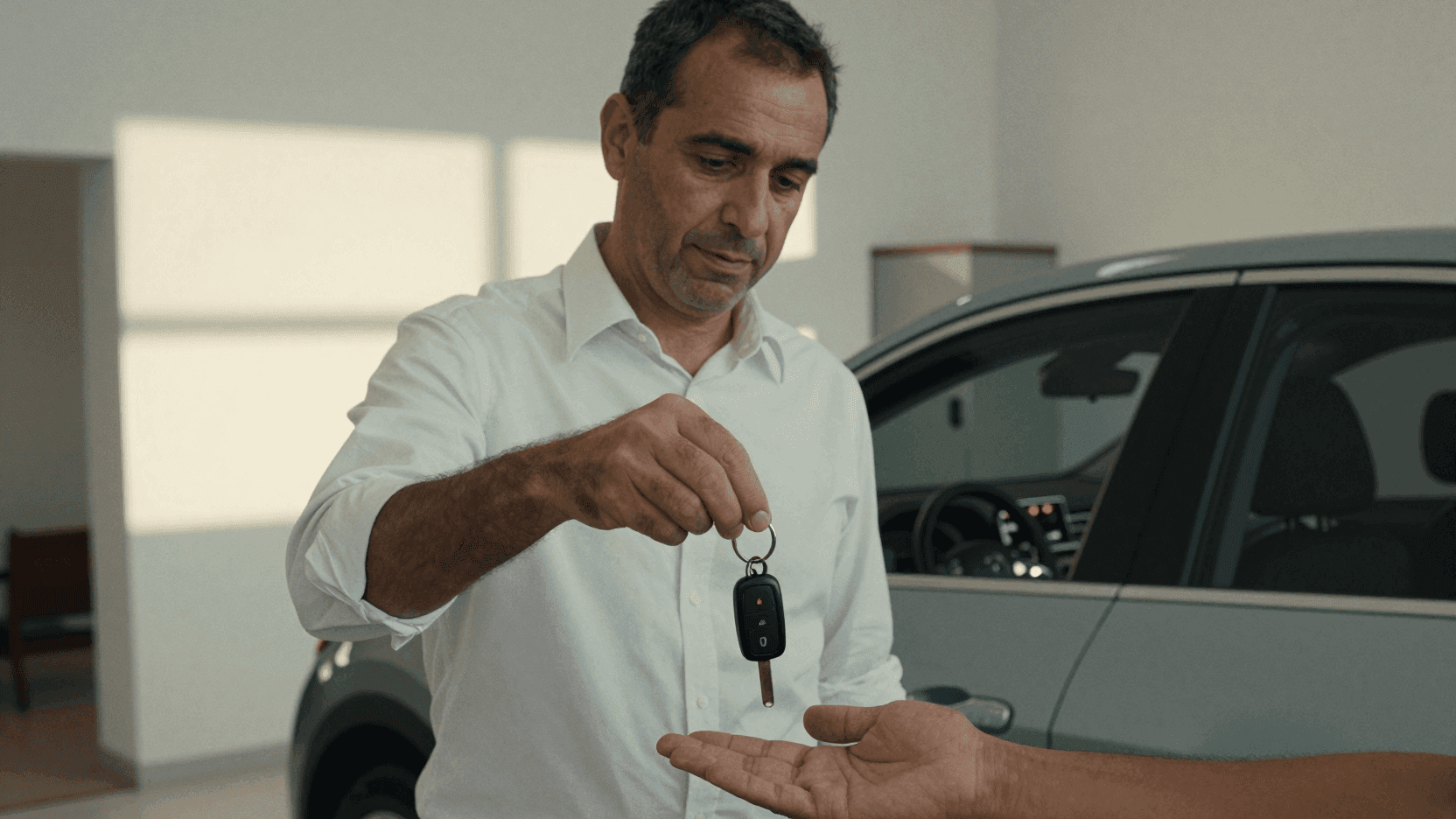










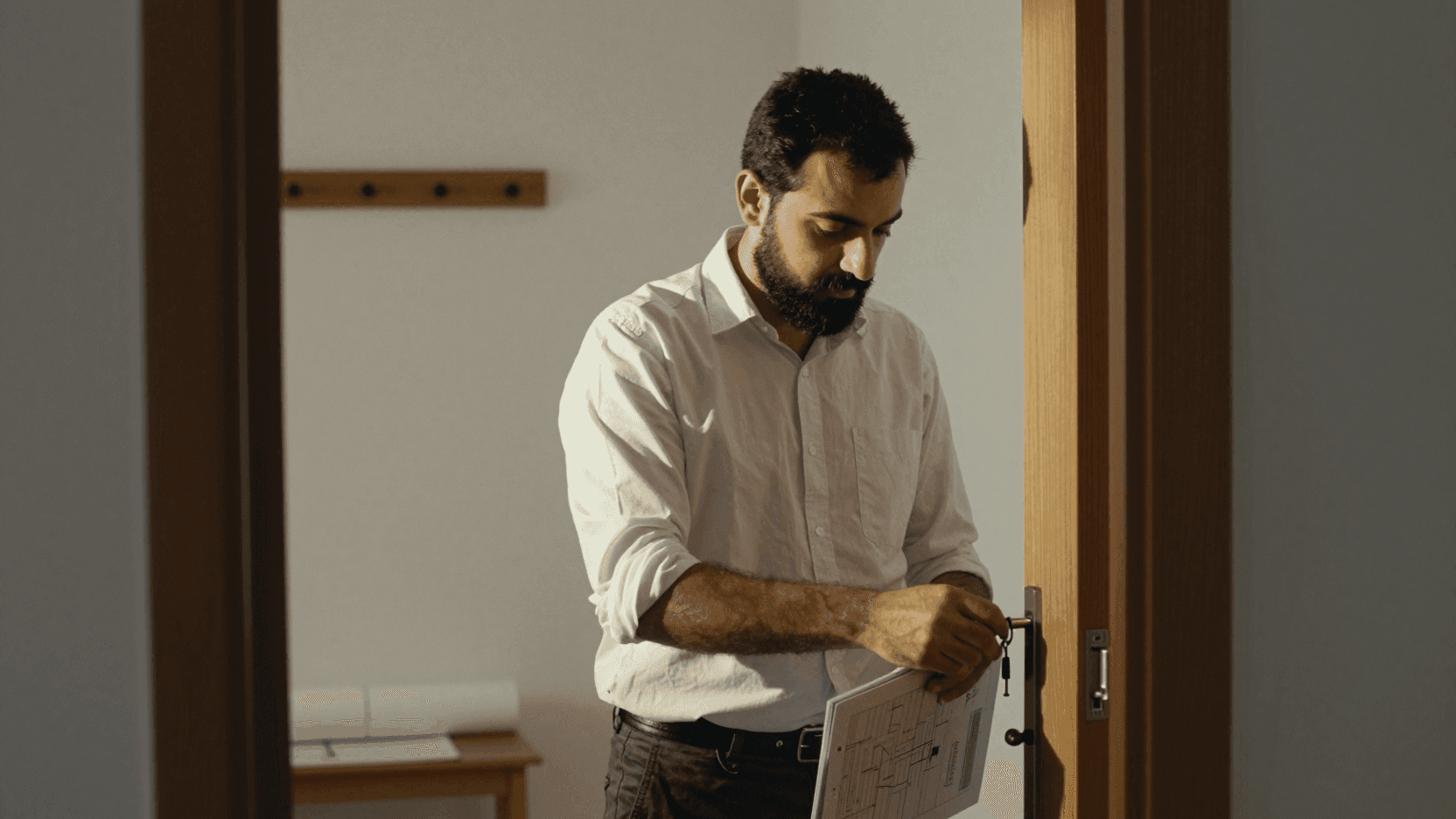






What changes in a business with HubSpot
The same CRM as always, with the first call answered.
Every call is a potential quote. It takes the date, the headcount and the type of event, and it reaches us already qualified.
 Event catering · Barcelona
The first consultation always brings the same questions about price and recovery time. It resolves them and filters.
 Aesthetic medicine clinic · Madrid
What not answering costs you
The calls you miss and the ones that interrupt your work both have a price. Find out how much you could save with heydiga.
Rough figures for a business:
- 430 calls a month, 1.8 min each on average.
- €183 average spend per customer.
Money lost every month
€9,516
€114,192 a year
129
unanswered calls a month
52
customers who were going to book
Fixed with Diga Growth, 169 €/month.
You are losing 56 times what it costs.
What everyone on HubSpot asks
The five questions of someone whose CRM is already set up and who has no plans to touch it.

Connect it now
Fifteen minutes to connect it and it is answering tonight. If it does not convince you, it disconnects just as fast.
It gets on with more things
If the business uses another CRM, it works too.