
Google Calendar, now on the phone too
The diary the whole team already uses stays the only one. heydiga checks the free slots before promising anything and writes the appointment in before hanging up.
The diary is up to date; the phone never looks at it
Google Calendar knows exactly when you are free. The trouble is that whoever picks up the phone cannot always check it.
- Whoever answers offers a time from memory and then finds out it was already taken.
- The appointment goes on a note and somebody moves it to the calendar later. Or forgets to.
- Two people take two calls and give the same time to two different customers.
- It reads the calendar before saying anything and only offers slots that genuinely exist.
- It is written into Google Calendar before hanging up, with the reason and the caller's number.
- It takes the slot there and then, so the second call no longer sees it free.
What it reads and what it writes
The connection runs both ways: heydiga checks the diary before promising a time and writes to it the moment it is agreed.
- Free slots and hours already taken.
- Opening hours, bank holidays and closures.
- The calendar of each person on the team.
- How long each kind of appointment usually runs.
- The new appointment, in the diary of whoever will take it.
- Name, phone number and reason for the call.
- Changes of time and cancellations.
- A summary of the call inside the appointment itself.
Fifteen minutes and it is done
No new diary, no technical help and without moving a single appointment you already have.
Anyone who keeps their diary in Google Calendar gets this
Every business has its own casuistry, with its own day to day, its own integrations and its own questions.
















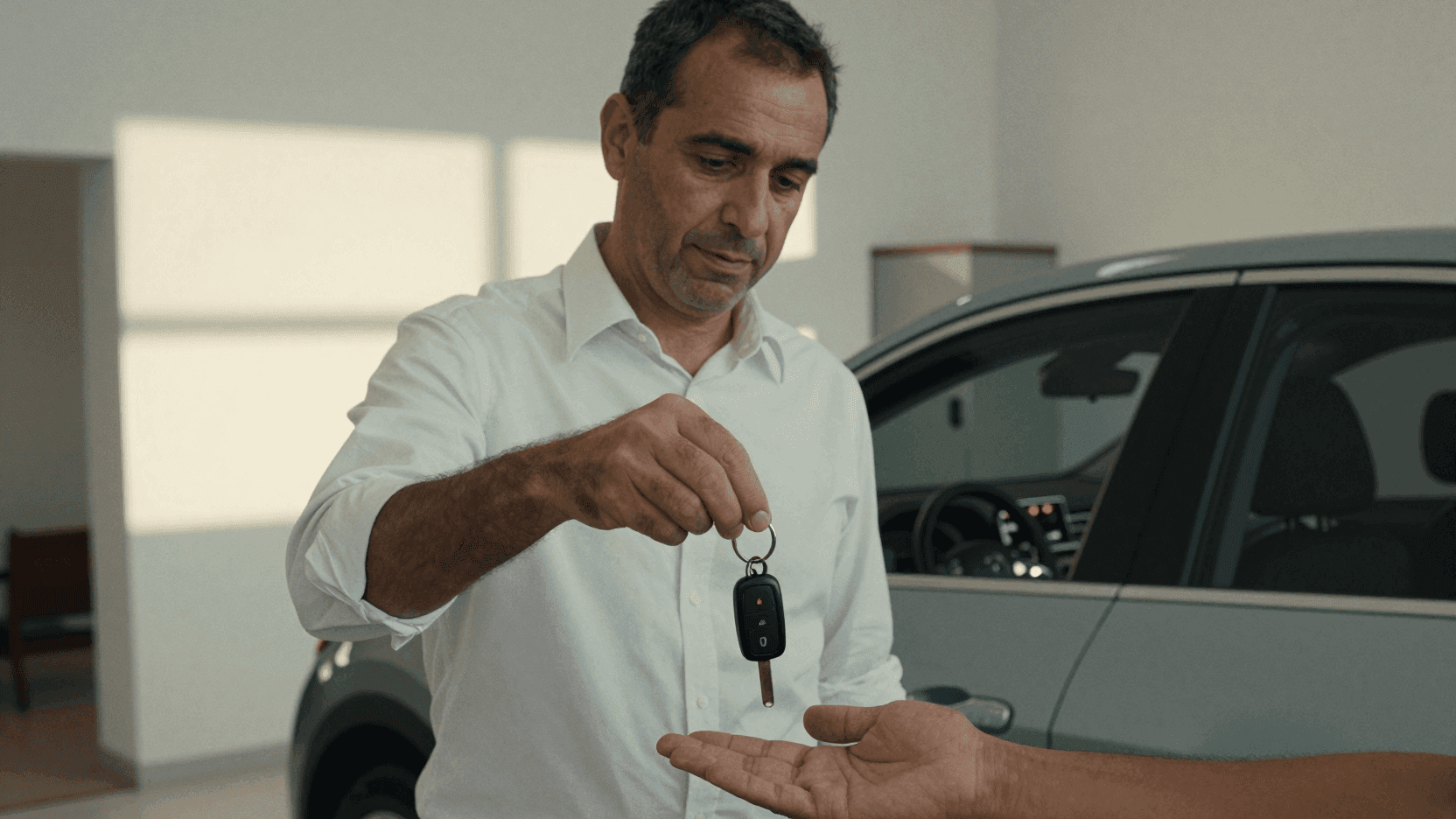



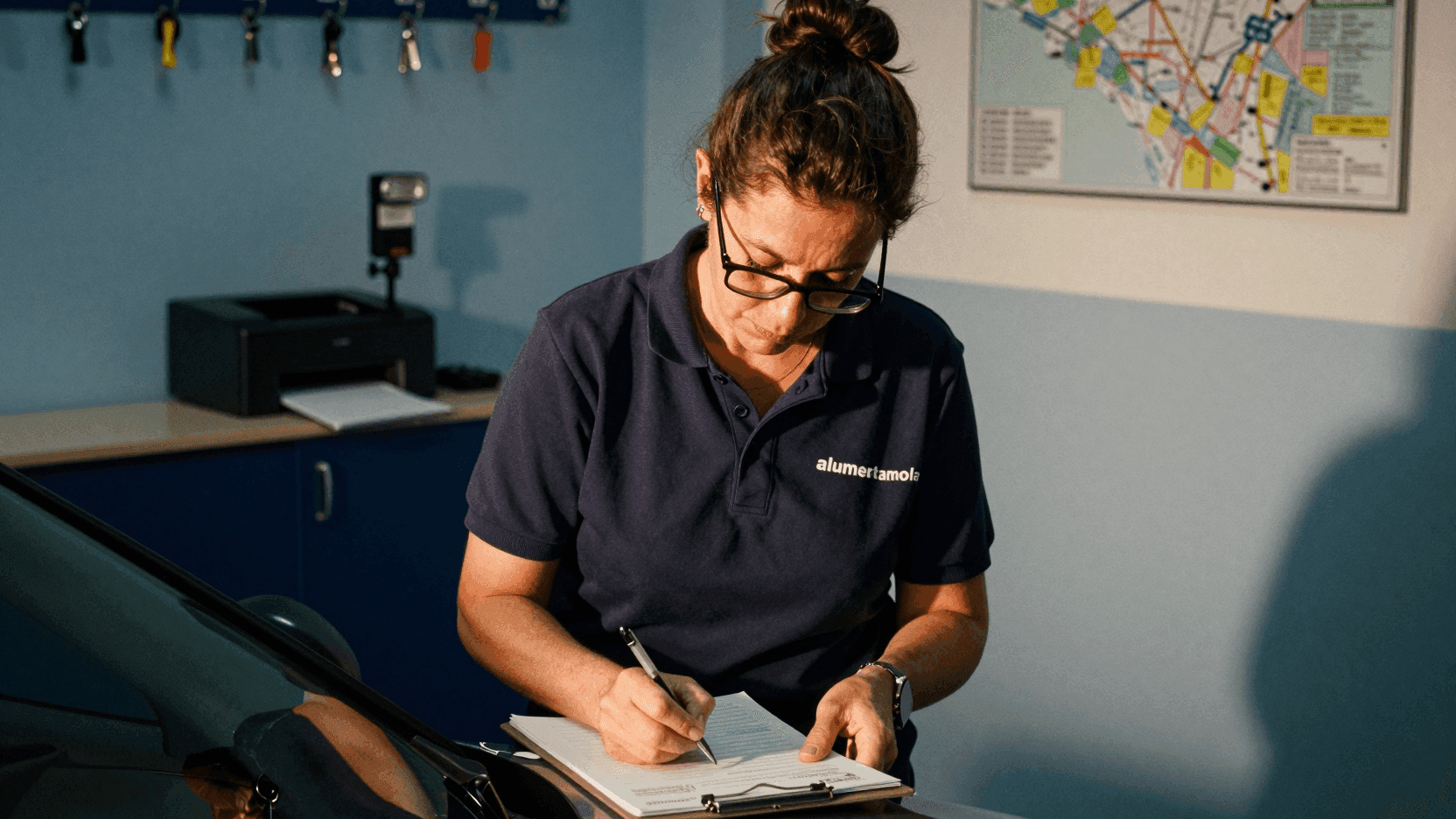






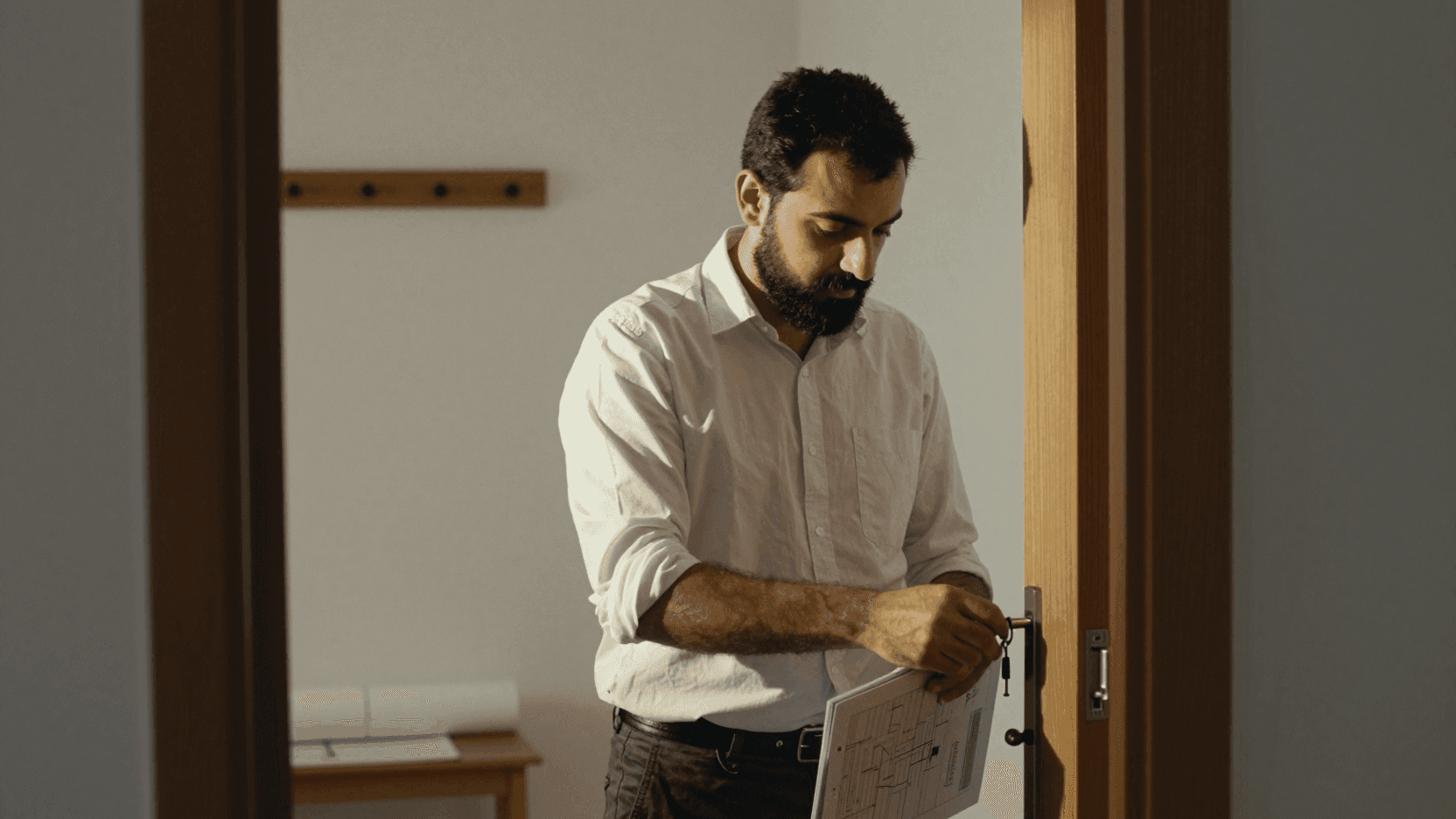



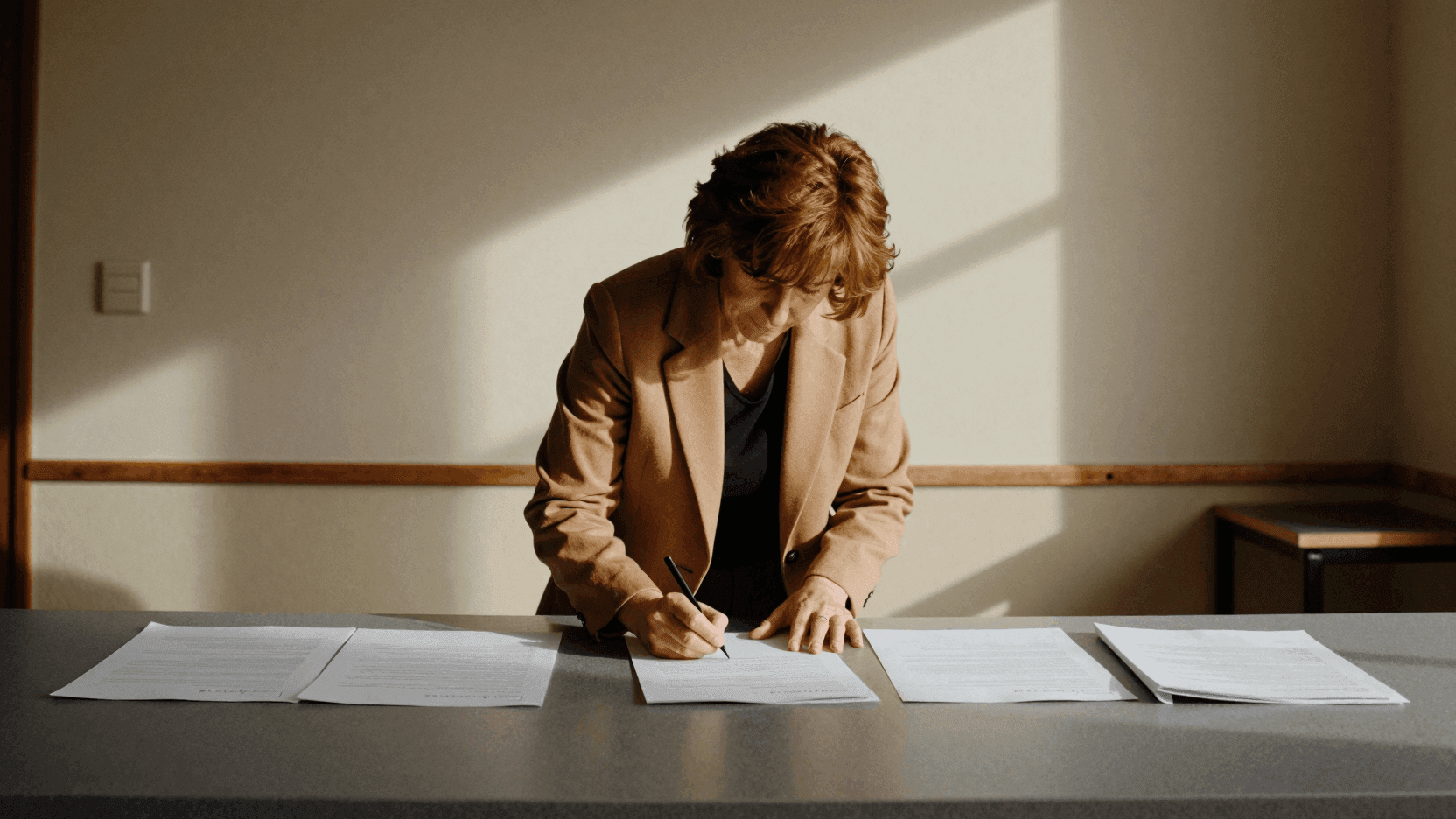

What changes with the diary answering the phone
The same diary as always, with the phone answered.
Patients no longer drop out halfway through treatment. Every session is reminded.
 Physiotherapy centre · Bilbao
Anyone who called on a Sunday used to go to another agency. Now they have a viewing booked for Monday.
 Agency with 4 offices · Costa del Sol
What not answering costs you
The calls you miss and the ones that interrupt your work both have a price. Find out how much you could save with heydiga.
Rough figures for a business:
- 430 calls a month, 1.8 min each on average.
- €183 average spend per customer.
Money lost every month
€9,516
€114,192 a year
129
unanswered calls a month
52
customers who were going to book
Fixed with Diga Growth, 169 €/month.
You are losing 56 times what it costs.
What people ask before giving access to the diary
The five questions of somebody who already has their diary set up and does not want anybody making a mess of it.

Connect it now
Fifteen minutes to connect it and it is taking appointments tonight. If it does not convince you, it disconnects just as fast.
It gets on with more things
If the business keeps its diary somewhere else, it works too.